Movement
Stable Handheld Footage Without a Gimbal
Shake is a technique problem before it is an equipment problem. Here is how to hold, breathe and move.
In this guide
Why handshake happens
Wobble in phone footage is mostly rotational, not up and down. Small movements of the wrist twist the whole frame, and because the phone is light, the twist is exaggerated compared with a heavier camera.
Understanding that changes the solution. Instead of trying to hold the phone perfectly still, you brace the arms so the wrist cannot rotate, and you let the larger joints absorb movement.
The two-handed grip and arm support
Hold the phone with both hands, elbows close to the ribs, thumbs on the screen and fingers under the body of the device. Then tuck your elbows against your torso so the arms form a single support structure rather than two independent ones.
For anything longer than a few seconds, find something to lean on: a wall, a doorway, a table or a knee. Leaning removes the lateral drift that viewers read as shaky footage. If nothing is available, take the weight of the phone down to waist height and let your shoulders be the pivot.
- Two hands on the phone, thumbs on screen, elbows tucked to the ribs
- Touch or lean against a wall, chair or table whenever possible
- Breathe out slowly through the take rather than holding your breath
- Keep the phone at one height instead of lifting and lowering it
Walking without transferring shake
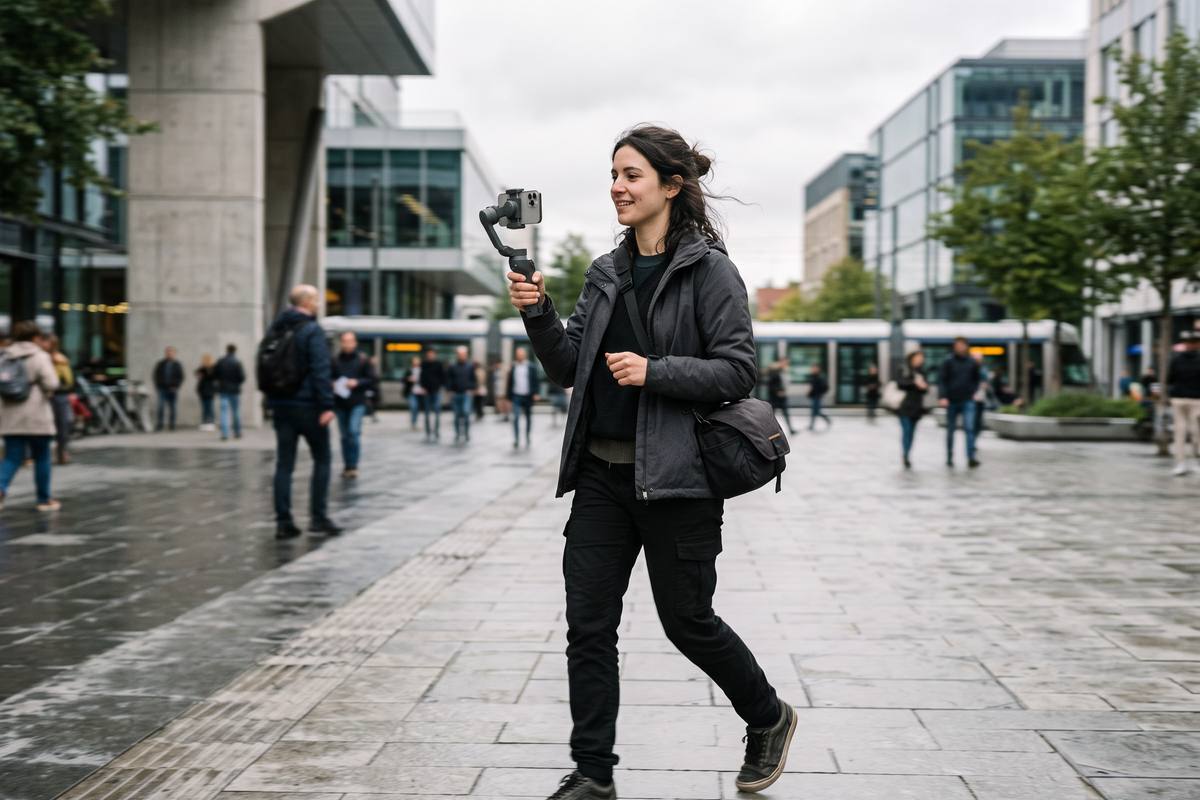
A walking shot becomes stable when the phone stops moving vertically. That means walking with soft knees, transferring weight from heel to toe, and slightly lowering your centre of gravity so the up and down motion is absorbed before it reaches your arms.
Keep steps short and the pace slow. Adding a slight lean into the direction of travel helps, as does holding the phone away from the body rather than clamped tightly against the chest, which transmits every footstep directly into the frame.
When to cut instead of stabilise
The most reliable way to get smooth footage is to need less of it. Break a long move into two or three short shots with different angles: a wide establishing frame, a close detail, and a reaction. The sequence reads as movement even though every individual shot is static.
If you do invest in a stabiliser, remember that the device only removes what it is designed to remove. It will not fix a shot with no subject, and it will not help if your steps are long, fast or uneven.
Key takeaways
- Brace the arms against the ribs so the wrist cannot rotate.
- Lean on something stable for any take longer than a few seconds.
- Walk slowly with short steps and soft knees to absorb vertical motion.
- Replace long moves with two or three short cuts wherever possible.

Vertical Video Lab editorial teamWe test every technique on consumer phones before it appears here, and we update the guides when camera apps change.
Do stabilisation apps actually work?
They work by cropping into the frame and smoothing movement, so they cost sharpness and can add a floating look. Use them as a last resort rather than a default.
Is a mini tripod better than handheld?
For static shots, yes. A small tripod removes shake completely and frees both hands, which makes it the most useful accessory in a phone kit.
How do I keep a horizon level while walking?
Switch on the grid overlay and check the horizon against a grid line before you start moving. Adjusting mid-shot is far more visible than a slightly off-level start.